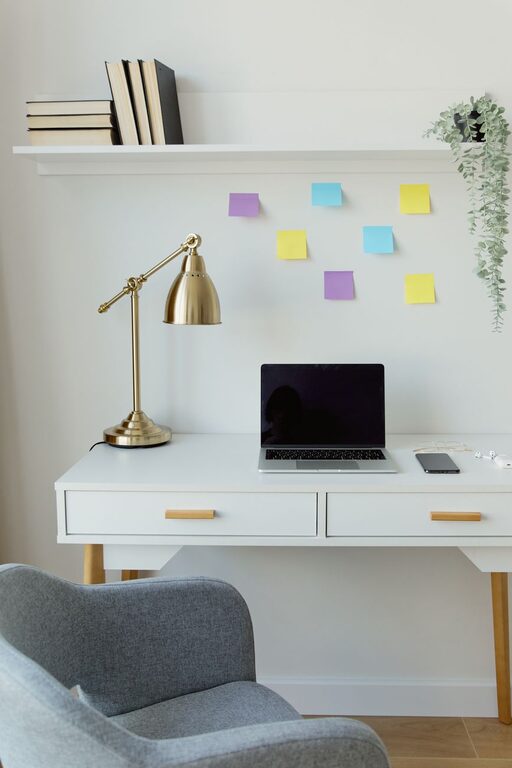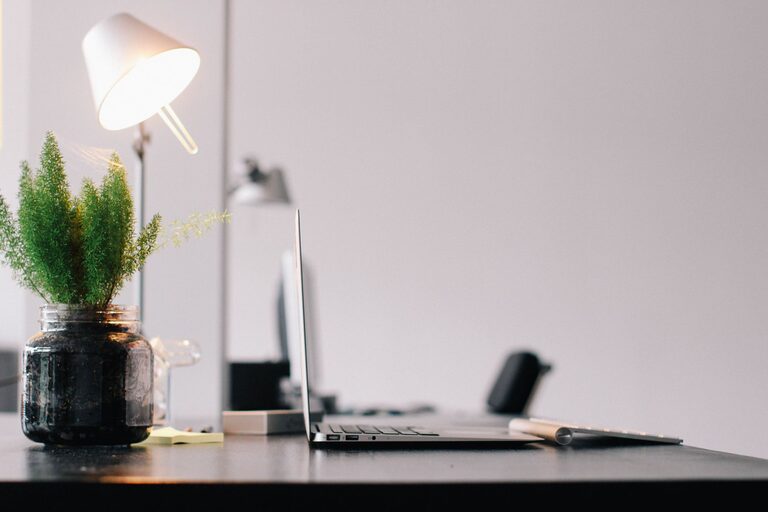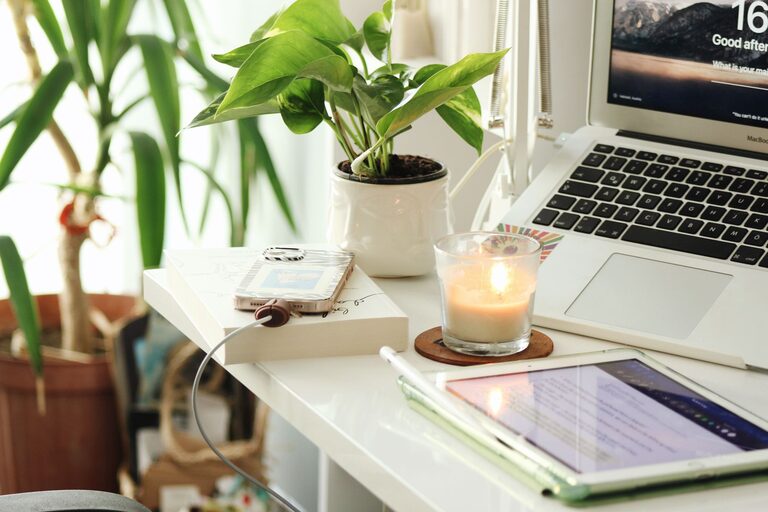
Creating a home office that is both comfortable and productive can significantly improve your work-from-home experience. Whether you’re setting up a space for full-time remote work or occasional projects, your office environment plays a key role in how efficiently you work and how comfortable you feel throughout the day. In this post, we’ll explore practical tips to help you design a home office that supports your focus, reduces distractions, and promotes well-being.
Choose the Right Location
Finding the ideal spot for your home office is the first step. Here are some factors to consider:
– Natural light: Try to set up near a window to benefit from daylight, which can improve your mood and focus.
– Quietness: Pick a space away from noisy areas like the kitchen or living room to minimize disruptions.
– Space: Ensure the area is big enough for your desk, chair, and any equipment you need without feeling cramped.
– Privacy: If possible, select a spot where you can close a door or create some separation from the rest of the household.
If you don’t have a dedicated room, consider using room dividers or screens to create visual boundaries.
Invest in Ergonomic Furniture
Comfort is key for long hours in front of a computer. Proper furniture can help reduce strain and keep you energized.
– Desk: Choose a desk with enough surface area for your monitor, keyboard, and other essentials. Adjustable-height desks allow you to alternate between sitting and standing, which is great for posture and circulation.
– Chair: An ergonomic chair with lumbar support, adjustable height, and armrests supports your back and reduces fatigue.
– Monitor placement: Position your monitor at eye level and about an arm’s length away to reduce neck and eye strain.
Small touches like a footrest or wrist pads can also improve comfort.
Organize Your Workspace Efficiently
A clutter-free workspace encourages focus and reduces stress. Use these organization tips:
– Declutter: Keep only the items you use daily on your desk.
– Storage solutions: Use shelves, drawers, or bins to store papers, stationery, and cables out of sight.
– Cable management: Use clips or sleeves to keep cords tidy and prevent tangling.
– Desk accessories: Incorporate a lamp for adequate lighting and a calendar or whiteboard for planning.
Regularly tidying your workspace helps maintain a productive environment.
Optimize Lighting
Good lighting reduces eye fatigue and creates a comfortable atmosphere.
– Natural light: As mentioned, natural daylight is ideal. Keep window treatments adjustable so you can control glare.
– Task lighting: Use a desk lamp with adjustable brightness and position it to avoid shadows.
– Ambient lighting: Soft overhead lighting provides a balanced illumination without harshness.
Avoid working in dimly lit rooms or relying solely on screens for light.
Minimize Distractions
Staying focused is easier when distractions are limited.
– Noise control: Use noise-canceling headphones or play concentration-enhancing background music or white noise if needed.
– Notifications: Turn off non-essential notifications on your devices during work hours.
– Dedicated time: Set specific work hours to signal to family members when you shouldn’t be disturbed.
Clear boundaries between work and personal time help maintain productivity.
Personalize Your Workspace
Adding a personal touch can make your office feel inviting and motivating.
– Plants: Indoor plants improve air quality and add a calming natural element.
– Artwork: Hang pictures or inspiring quotes that make you feel positive.
– Comfort items: Keep a favorite mug, cozy blanket, or stress ball nearby.
Personalizing your workspace encourages you to spend time there and stay engaged.
Incorporate Technology Wisely
Technology is essential but should support your work without causing frustration.
– Reliable internet: Ensure you have strong and stable internet access.
– Equipment: Use quality keyboards, mice, webcams, and microphones as needed for your tasks.
– Software: Organize your files and apps to streamline your workflow.
Keep devices updated and troubleshoot issues promptly to avoid downtime.
Maintain Healthy Habits
Lastly, a comfortable and productive office supports your health too.
– Take breaks: Follow the 20-20-20 rule—every 20 minutes, look at something 20 feet away for 20 seconds to rest your eyes.
– Stretch: Incorporate stretches or short walks during breaks to reduce muscle tension.
– Hydrate and eat well: Keep water and healthy snacks nearby.
– Good posture: Practice sitting with your back straight and feet flat on the floor.
Healthy habits complement your environment and boost work quality.
—
By thoughtfully choosing your location, investing in ergonomic furniture, keeping your workspace organized, optimizing lighting, minimizing distractions, personalizing your space, using technology effectively, and maintaining healthy habits, you can create a home office that makes working from home a pleasure rather than a challenge. Start with small changes and adjust your space over time to find what works best for you. A well-designed home office is a great step toward happier and more productive workdays.
About the Author